
If you use an Android phone, you may have seen a file ending in .apk. Perhaps a developer offered one on its website, or you found one while looking for an app outside Google Play.
An APK is a file Android uses to install an app. You do not need to handle APK files yourself when installing most apps through Google Play. If you download one directly, however, you need to check where it came from before opening it.
This guide explains what an APK contains, how it differs from an app store download, and the basic safety checks every beginner should know.

What Does APK Mean?
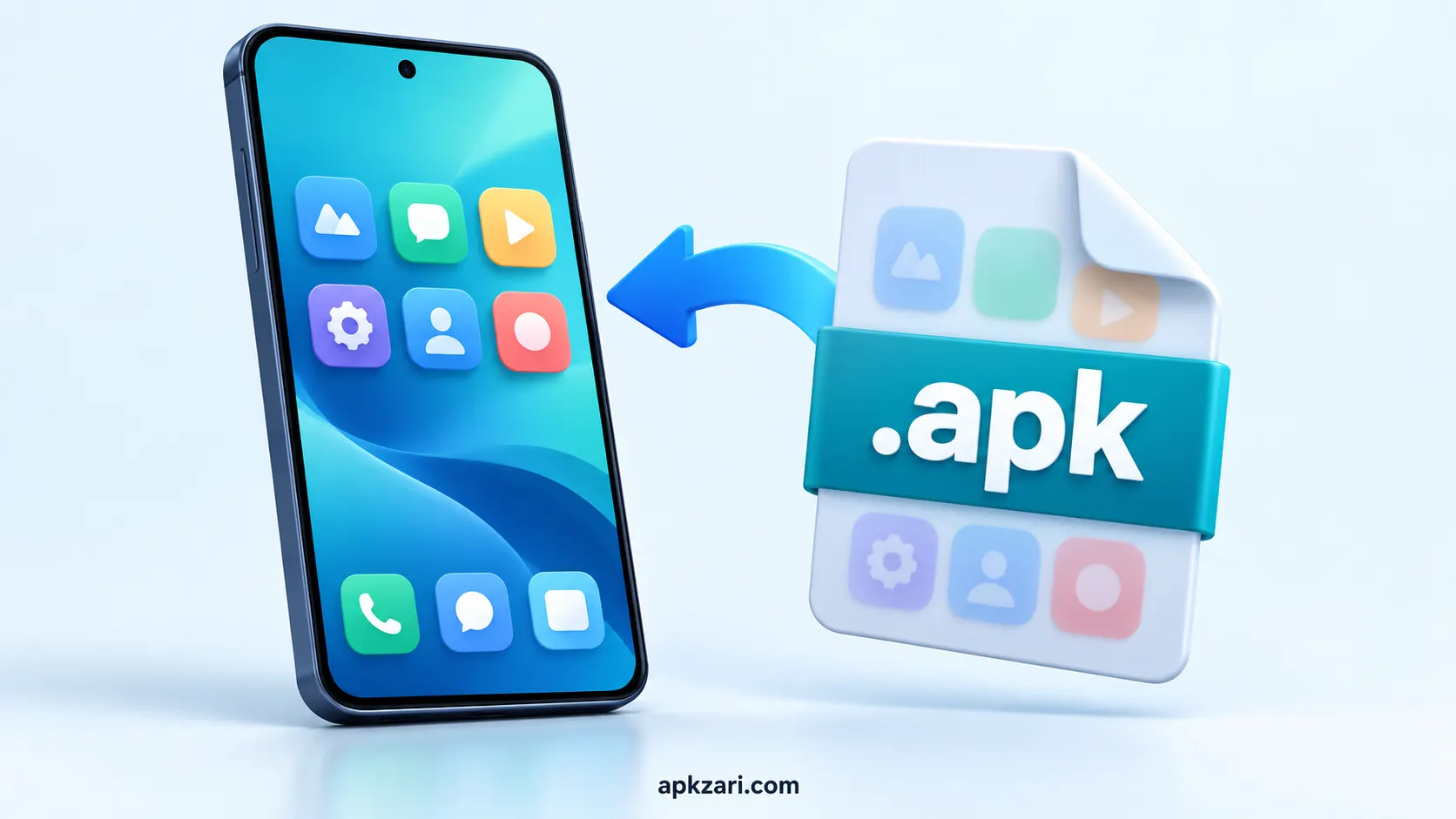
APK commonly stands for Android Package Kit. Android’s developer documentation also calls it an Android package. The .apk file contains the code and other resources Android needs to install and run an app.
Think of it as an app’s installation package. For example, a file named example-app.apk may be opened on an Android device to start installation. The filename alone does not tell you who made it or whether it is safe.
How Does an APK File Work?
A developer builds an Android app and prepares it for distribution. When you install the app, Android checks the package and places its components on your device.
You might encounter an APK when:
- A developer distributes an app through its own website.
- An organization provides an app directly to its users.
- You download an app from an alternative app store.
- You receive a file that someone claims is an Android app.
That last example deserves extra care. A file sent through a message or an unfamiliar download page should not be treated as genuine just because its name looks familiar.
APK Files and Google Play: What’s the Difference?
An APK is a file format. Google Play is an app distribution service. These are different parts of the installation process.
When you tap Install in Google Play, the store handles delivery and installation. Developers may submit an Android App Bundle (.aab) to Google Play, which then produces APKs suited to the devices receiving the app. An AAB is a publishing format; you cannot simply tap an AAB on your phone to install it like a regular APK.
When you download an APK from a website, you must make your own decision about the source. Android may also ask you to allow installations from the browser or file manager you used to open it.
| Installation route | What you normally do |
|---|---|
| Google Play | Choose an app and tap Install. |
| Direct APK download | Obtain the file, check its source, open it, and approve installation if you decide to proceed. |
Are APK Files Safe?
An APK is not automatically harmful. Its safety depends on the app and the file you actually received.
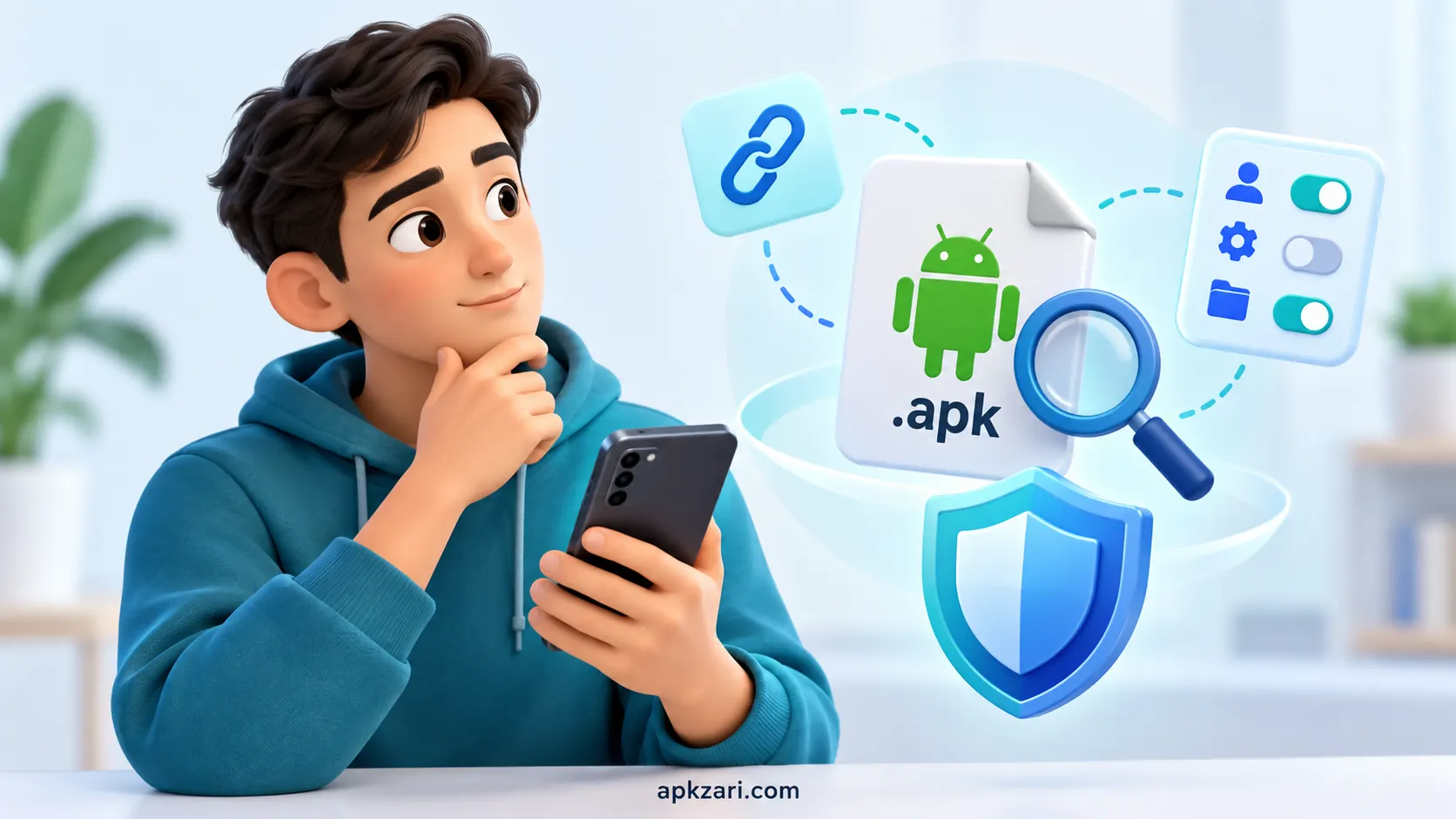
Before installing one, ask:
- Who made the app? Look for an identifiable developer or organization.
- Where did the file come from? Check the address carefully. A familiar logo or app name does not prove that a website is official.
- Does the app’s purpose make sense? Be cautious of promises such as guaranteed earnings or free access to paid features.
- What does Android warn you about? Read security warnings instead of dismissing them to finish an installation.
- What permissions does the app request? Consider whether access to your contacts, messages, location, or files is necessary for what the app does.
Google Play Protect checks apps for potentially harmful behavior, including apps obtained outside Google Play. Keep it enabled. A scan is useful protection, though it cannot replace checking the source and understanding what you are installing.
How Do You Install an APK?
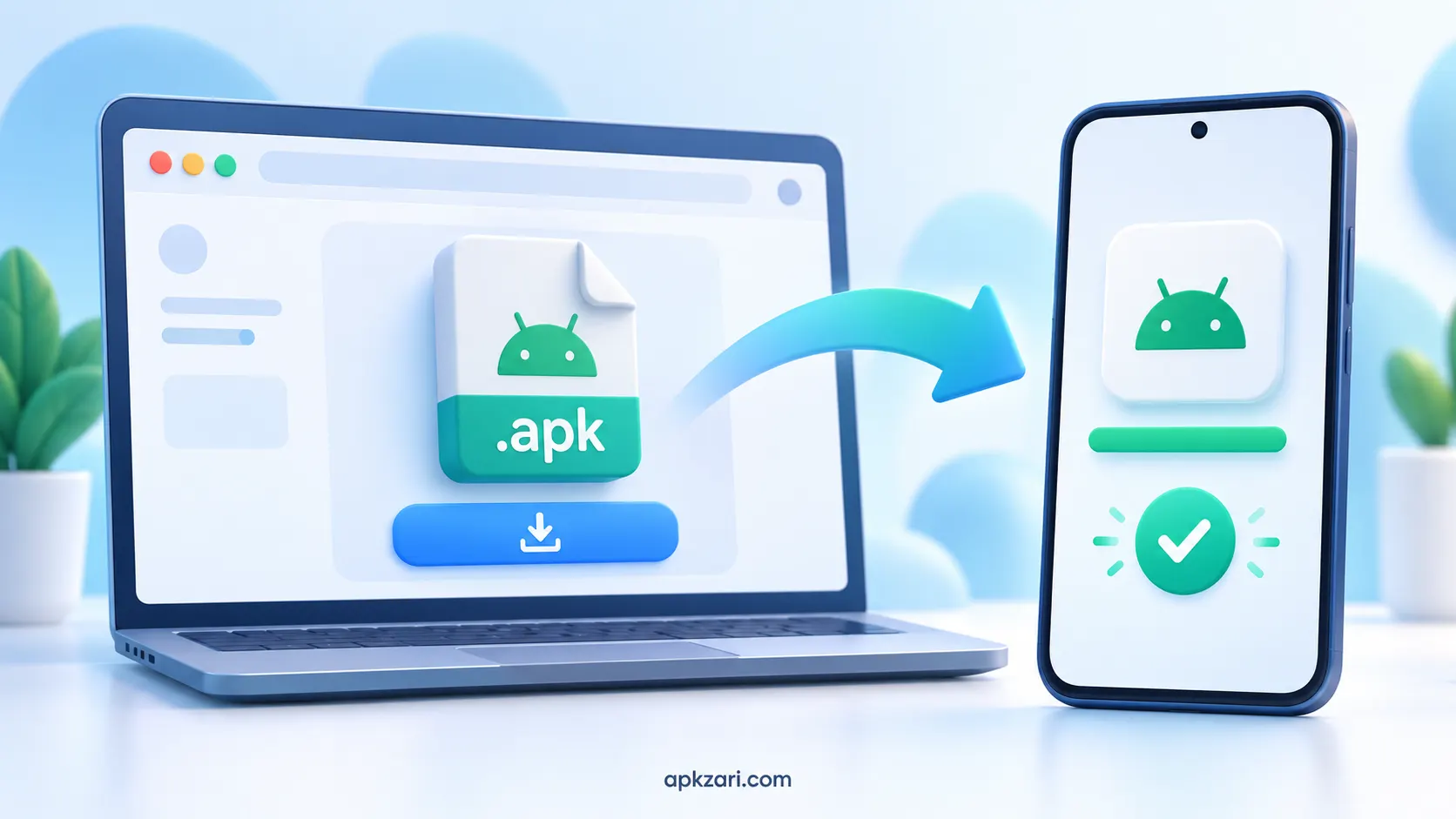
If you have confirmed that you trust the source and need to install its APK:
- Download the APK from the verified source.
- Find the file in your browser’s downloads or your phone’s file manager.
- Tap the
.apkfile. - If Android requests permission, review the option to allow installations from that browser or file manager.
- Return to the file, review any warnings, and tap Install if you still want to proceed.
Menu names vary by Android version and phone manufacturer. On modern Android devices, permission to install unknown apps generally applies to the particular source app, such as your browser, rather than every app on your phone. You can turn that permission off again after installation.
If Android blocks the file or Play Protect warns that it may be harmful, stop and investigate the reason. Do not disable security protections simply to force an installation.
Why Won’t an APK Install?
An installation can fail for several reasons:
- The download is incomplete or damaged.
- The app requires a different Android version or device feature.
- The file is not the complete set of packages the app needs.
- An existing installation conflicts with the file you downloaded.
- Android has raised a security warning or blocked installation.
Download a fresh copy only from a source you have verified and check the developer’s device requirements. If the app is already installed, do not uninstall it just to try another APK until you understand how its data is backed up.
Some apps use multiple APK files that must be installed together. A single file taken from such a set may fail even when the files themselves are legitimate.
Can an APK Update an Existing App?
Sometimes. An update must belong to the same app and meet Android’s signing requirements. If the new file comes from a different publisher or has been modified, Android may reject it.
Before attempting a manual update, check the developer’s instructions and back up important app data where possible. Avoid replacing a working app with an unknown file advertised as its “latest version.”
Frequently Asked Questions
An APK is an installation package for an Android app. Once installed, you normally open and use the app from your phone’s app list rather than opening the APK file again.
No. You can install many apps directly through Google Play without finding or opening an APK yourself.
Yes, Android allows app installation from other sources. You may need to permit the browser or file manager you use to open the file. Only proceed when you trust the app and its source.
Can an APK contain malware?Yes. A harmful app can be packaged as an APK, and a modified file can imitate a legitimate app. Check the source, heed Android’s warnings, and review requested permissions.
You can switch it off after installation if you do not need that browser or file manager to install more apps.
Final Thoughts
An APK is the package Android uses to install an app. Understanding the file format is simple; deciding whether a particular file deserves your trust takes more care.
Start with the developer and download source. Read Android’s warnings, keep Play Protect enabled, and question permissions or earning claims that do not make sense. If you cannot establish where an APK came from, wait until you can verify it.